Learn what Felgo offers to help your business succeed. Start your free evaluation today! Felgo for Your Business

Felgo Live Code Reloading: Web Editor

Run this example on your Android and iOS phone now, with the Felgo Live Scripting mobile app!

// Stores a list of all shopping items for the user property var shoppingItems: ({}) // Name of the root node for the user's shopping items in the Firebase database readonly property string dbKeyAllShoppingItems: "shoppinglist-user" FirebaseDatabase { id: database config: fbConfig realtimeUserValueKeys: [dbKeyAllShoppingItems] // If the last shopping item gets deleted, the database returns null // the plugin then gives success==false, so don't check the success parameter onRealtimeUserValueChanged: if(key === dbKeyAllShoppingItems) shoppingItemsLoaded(value) onFirebaseReady: console.log("db ready") onWriteCompleted: console.log("write completed") } function shoppingItemsLoaded(value) { // When the last item is deleted, firebase deletes the whole structure, returning null dataModel.shoppingItems = value || {} console.log(JSON.stringify(dataModel.shoppingItems)) }

1. Download Felgo Live Scripting app

2. Open the app and add the displayed Dev ID here.

QML Hot Reload on all Platforms

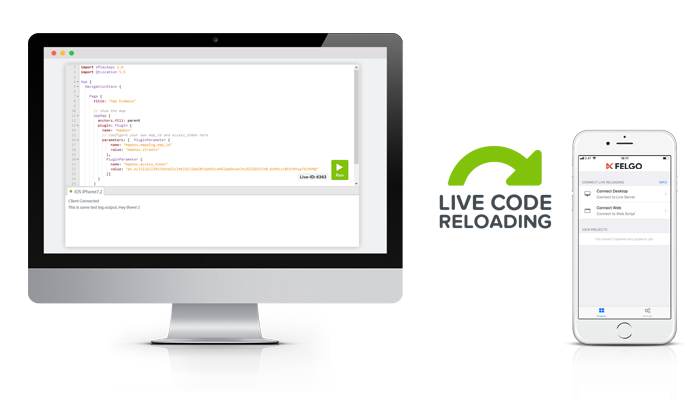
With Felgo Live, you can reload code changes in real-time on any connected device. While this web editor is just for demonstration purposes, you can use hot reloading also for development on your desktop.

Download the Felgo Developer App app to run your code on Android and iOS, from Windows, macOS or Linux.

Qt_Technology_Partner_RGB_475 Qt_Service_Partner_RGB_475_padded