The Qt Graphs module provides a way to develop rapidly responding, complex, and dynamic 2D graphs for analytically demanding industries such as academic research and medicine. Qt Graphs provides 2D bars, lines, and scatter
graphs. Combining user interaction and real-time 2D drawing graphs enables the creation of user interfaces that use space effectively.
See AreaSeries, BarSeries, LineSeries, PieSeries, ScatterSeries, and SplineSeries for details.
Graph Types
The Qt Graphs module provides the following 2D graph types:
GraphsView is the base container for all 2D graph types, into which graphs are added as series.
2D Area Graphs
The data is drawn as an area composed by points. The points are defined by two series: upper and lower.
The area between the series is drawn as a graph. If only the upper series is defined, the area is then between the bottom of the graph and the upper series.
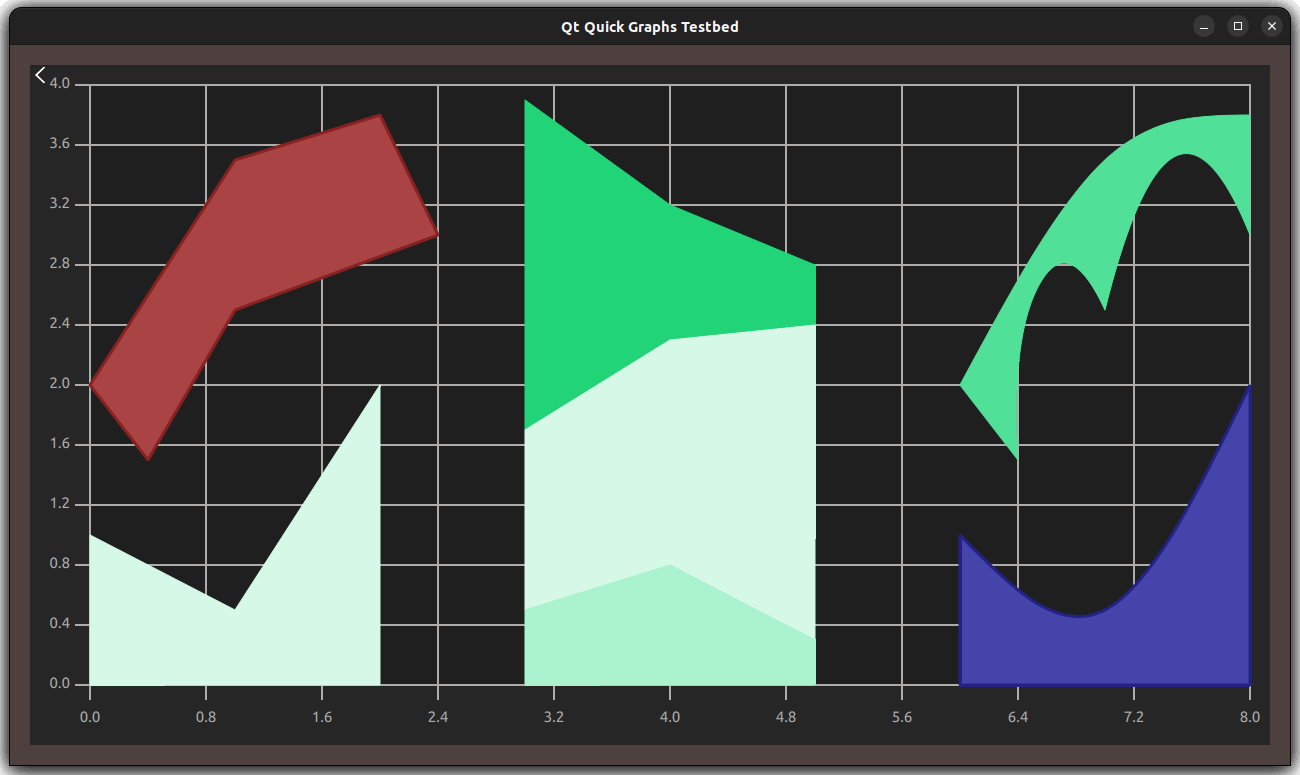
See AreaSeries and XYPoint for more information.
2D Bar Graphs
The data is drawn as a series of vertical bars grouped by category, with one bar per category from each bar set added to the series.

See BarSeries and BarSet for more information.
2D Donut Graphs
A donut graph is a special case of a Pie graph, with an additional property for defining the hole
size.
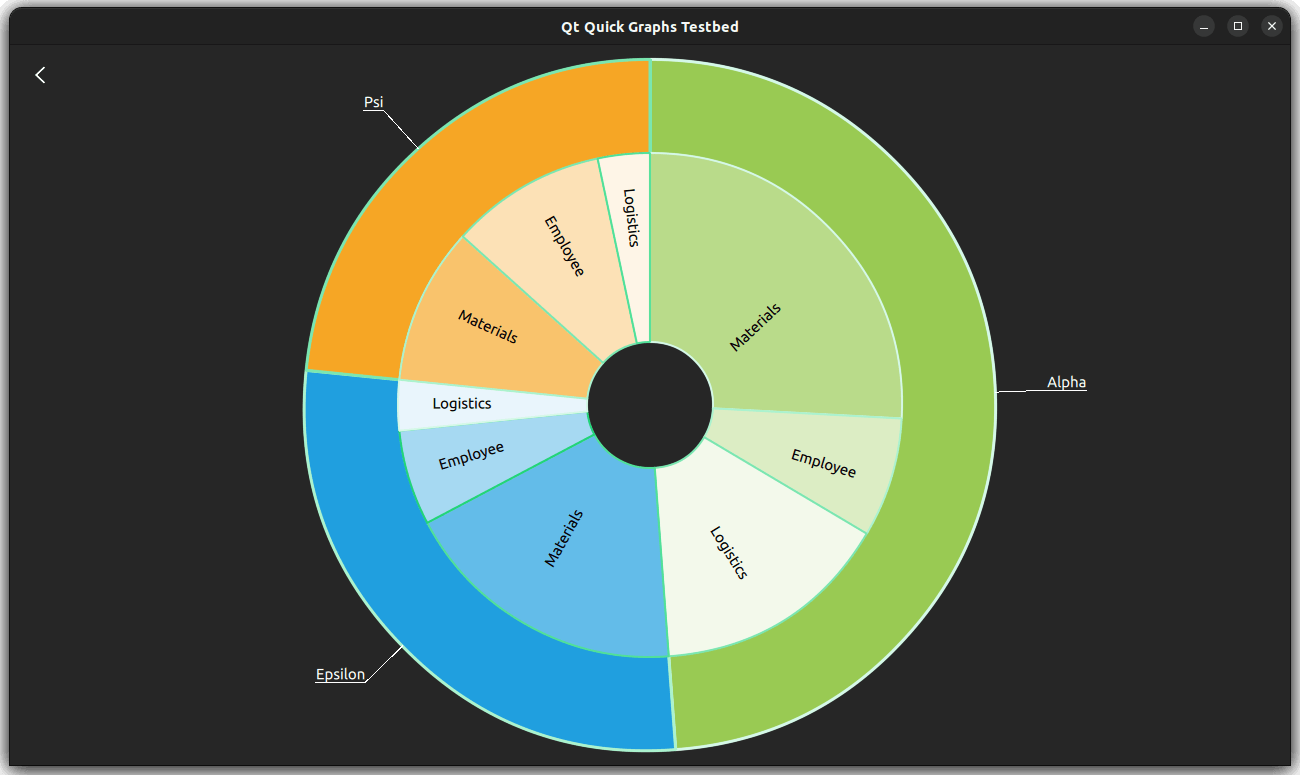
See PieSeries and PieSlice for more information.
2D Line Graphs
A line graph is used to show information as a series of data points connected by straight lines. For each point, two values are specified that determine its position on the horizontal axis and the vertical axis.
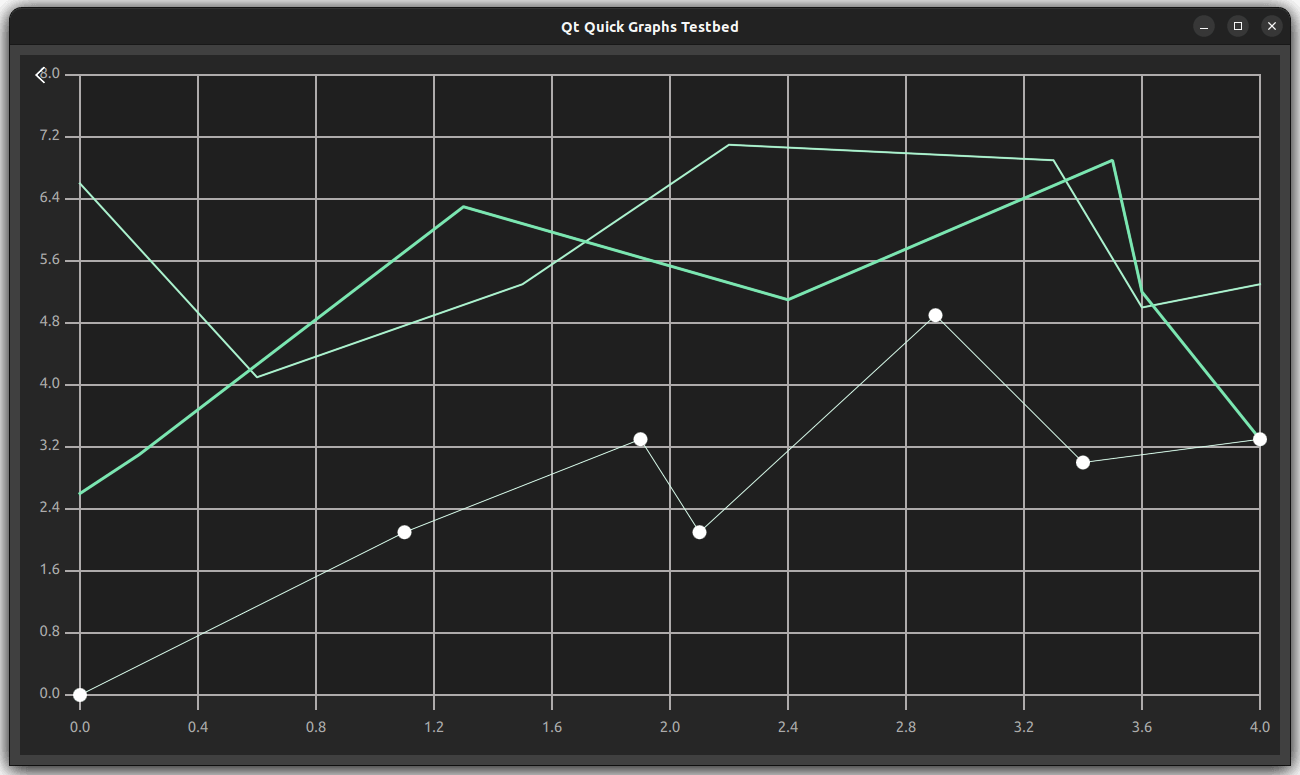
See LineSeries and XYPoint for more information.
2D Pie Graphs
A pie graph consists of slices that are defined using the PieSlice type. The slices can have any values as the PieSeries type
calculates the percentage of a slice compared with the sum of all slices in the series to determine the actual size of the slice in the graph.
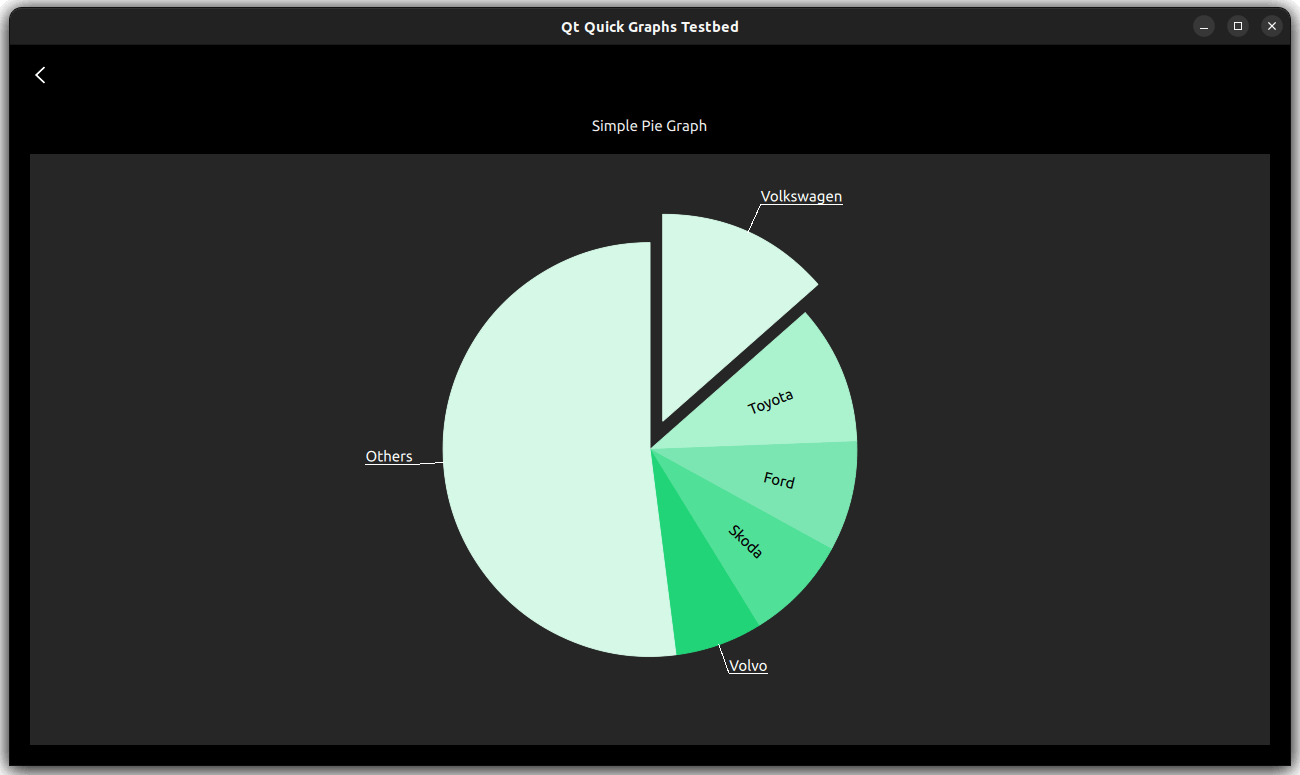
See PieSeries and PieSlice for more information.
2D Scatter Graphs
The scatter data is displayed as a collection of points on the graph. For each point, two values are specified that determine its position on the horizontal axis and the vertical axis.
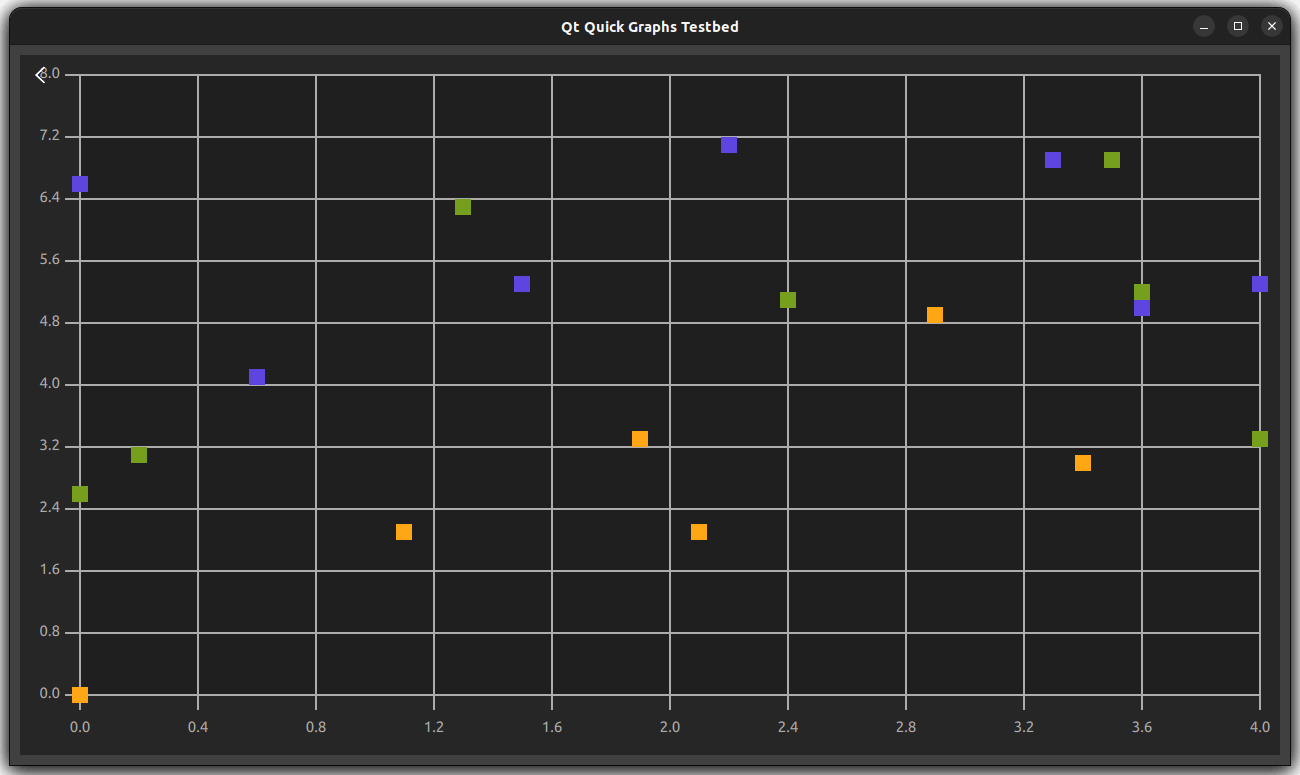
See ScatterSeries and XYPoint for more information.
2D Spline Graphs
A spline graph is used to show information as a series of data points connected by smooth spline segments that moves through all the points defined in the graph.
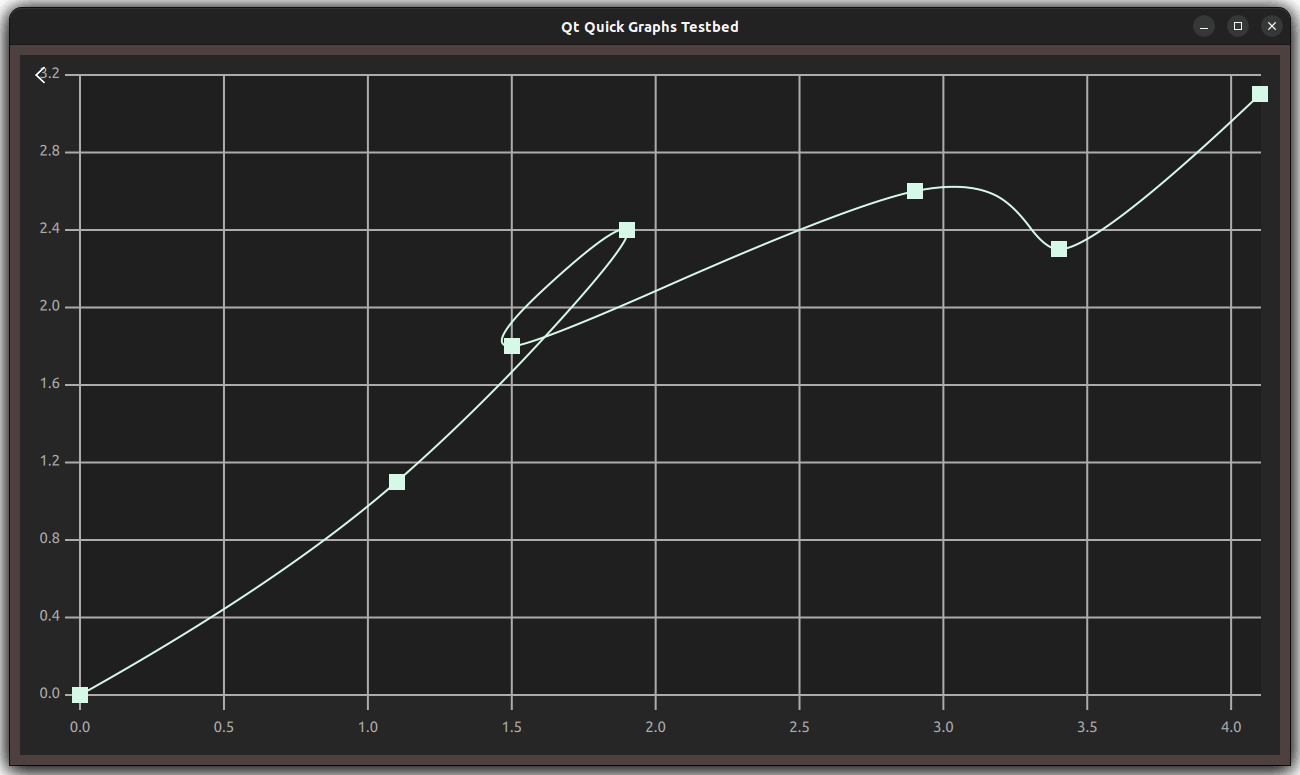
See SplineSeries and XYPoint for more information.


