
Show how to write a simple WebSocket server application.
This Echo Server shows how to create a simple server application that sends back a reply in response to a message it receives, using the WebSocket API. For the sake of illustration, the reply is simply a copy of the message.
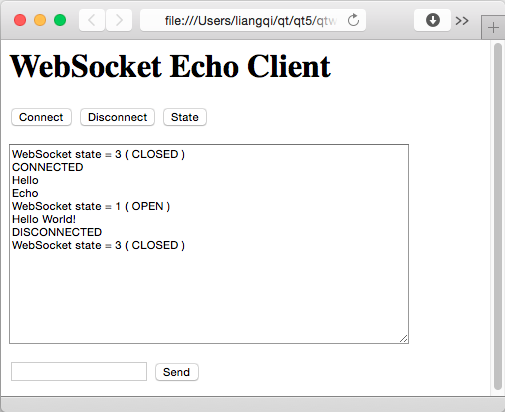
If your web browser supports WebSocket, you can also use it to open the echoserver/echoclient.html{echoclient.html} file, and operate as shown in the
following screenshot:

Otherwise use the WebSocket Echo Client to connect to the server.
See also WebSocket Echo Client.
As part of the free Business evaluation, we offer a free welcome call for companies, to talk about your requirements, and how the Felgo SDK & Services can help you. Just sign up and schedule your call.
Sign up now to start your free Business evaluation:

