Plug & Paint Extra Filters Example
A plugin providing the extra filters.
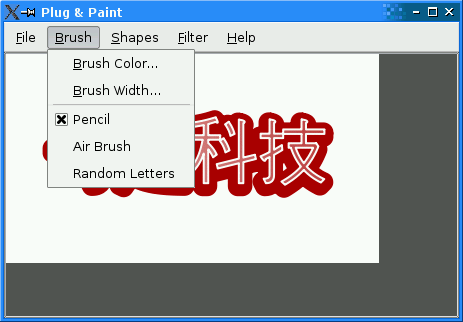
The Extra Filters example is a plugin for the Plug & Paint example. It provides a set of filters in addition to those provided by the Basic Tools plugin.
Since the approach is identical to Basic Tools, we won't review the code here. The only part of interest is the .pro file, since Extra
Filters is a dynamic plugin (Basic Tools is linked statically into the Plug & Paint executable).
Here's the project file for building the Extra Filters plugin:
TEMPLATE      = lib
CONFIG       += plugin
QT           += widgets
INCLUDEPATH  += ../../app
HEADERS       = extrafiltersplugin.h
SOURCES       = extrafiltersplugin.cpp
TARGET        = $$qtLibraryTarget(pnp_extrafilters)
DESTDIR       = ../../plugins
The .pro file differs from typical .pro files in many respects. First, it starts with a TEMPLATE entry specifying lib. (The default template is app.) It also
adds plugin to the CONFIG variable. This is necessary on some platforms to avoid generating symbolic links with version numbers in the file name, which is appropriate for most dynamic libraries but not
for plugins.
The INCLUDEPATH variable sets the search paths for global headers (i.e., header files included using #include <...>). We add ../../app to the list, so that we can include
<interfaces.h>.
The TARGET variable specifies which name we want to give the target library. We use pnp_ as the prefix to show that the plugin is designed to work with Plug & Paint. On Unix, lib is also
prepended to that name. On all platforms, a platform-specific suffix is appended (e.g., .dll on Windows, .so on Linux).
The DESTDIR variable specifies where we want to install the plugin. We put it in Plug & Paint's plugins subdirectory, since that's where the application looks for dynamic plugins.
The CONFIG() code at the end is necessary for this example because the example is part of the Qt distribution and Qt can be configured to be built simultaneously in debug and in release modes. You don't need to
for your own plugins.
Files:


