TiltShift
A tilt shift blur effect. More...
| Import Statement: |
import QtQuick3D.Effects 6.8 |
| Status: |
Deprecated since 6.5 |
This type is deprecated since QtQuick3D.Effects 6.5. We strongly advise against using it in new code.
Properties
Detailed Description
Use ExtendedSceneEnvironment, MultiEffect, or user-defined effects via the Effect type instead.
Warning: All pre-made standalone effects in QtQuick3D.Effects are considered deprecated starting with Qt 6.5. Applications are advised to use ExtendedSceneEnvironment or MultiEffect instead, when applicable, or alternatively provide their own custom
post-processing effect via the Effect type.
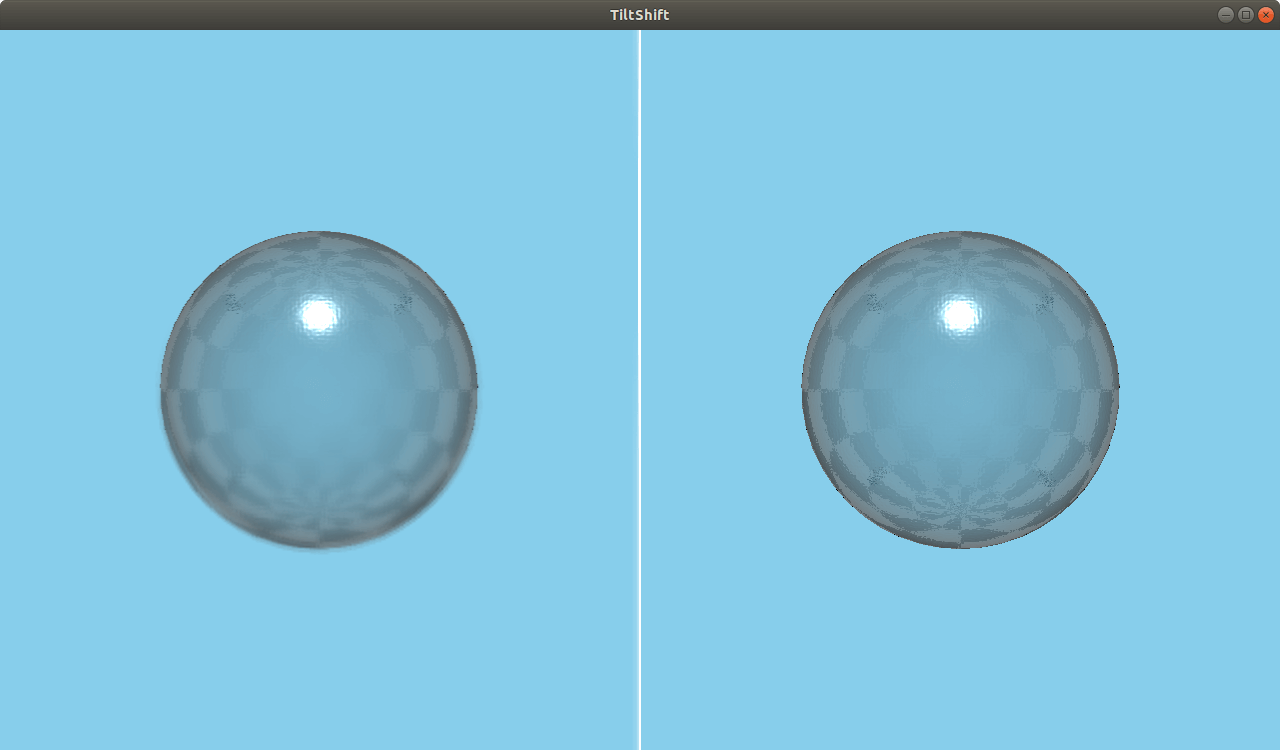
The TiltShift effect simulates depth of field in a simple and performant manner. Instead of blurring based on the depth buffer, it blurs everything outside a horizontal or vertical strip of the scene.
See also DepthOfFieldHQBlur.
Property Documentation
Specifies the strength of the blur effect. Values above 4 may cause artifacts. The range is [0...10]. The default value is 4.
The placement of the focus bar in normalized coordinates. The range is [0...1]. The default value is 0.5, corresponding to the middle of the scene.
Specifies the width of the in-focus area in normalized coordinates. Objects within this range of focusPosition will be in focus. The range is
[0...1]. The default value is 0.2.
Inverts the blur area, so the center is blurred instead. The default value is false.
Makes the effect work vertically instead of horizontally. The default value is false.


